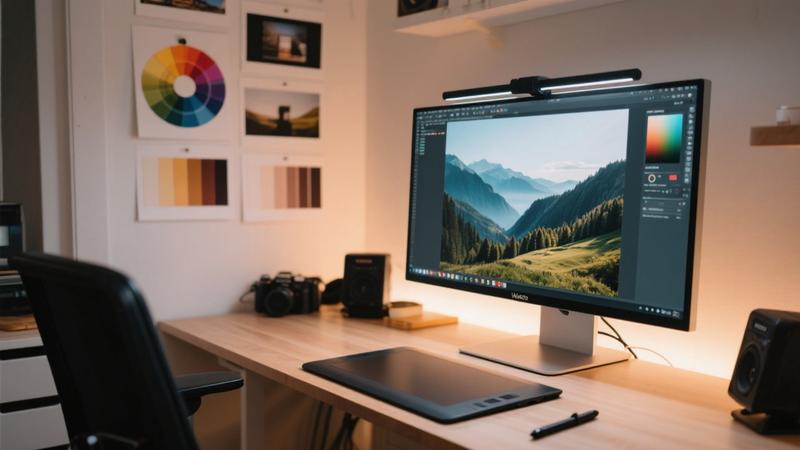
AI has revolutionized image editing, making professional-level photo enhancement accessible to everyone. In 2026, a new generation of AI-powered editing tools can remove backgrounds, enhance resolution, apply artistic styles, and perform complex edits with just a few clicks. This guide compares the best AI image editing tools available for photographers, designers, and content creators.
Adobe Photoshop with Generative Fill
Adobe has integrated AI deeply into Photoshop, and the Generative Fill feature is the standout addition. This tool lets you select any area of an image and describe what you want to add, remove, or change. The AI generates seamless results that blend naturally with the existing image. Whether you want to remove an unwanted object, extend a background, or add elements to a scene, Generative Fill produces remarkably convincing results.
Beyond Generative Fill, Photoshop's AI features include automatic subject selection, sky replacement, neural filters for portrait enhancement, and upscaling through Super Resolution. For professional photographers who already use Photoshop, these AI features represent a significant productivity boost without requiring a change in workflow.
Canva AI Magic Studio
Canva has expanded its AI capabilities significantly with the Magic Studio suite. Magic Edit allows you to brush over any part of an image and replace it with something new using a text description. Magic Expand extends images beyond their original borders. Magic Eraser removes unwanted objects cleanly. And Magic Animate brings static images to life with subtle animations.
Canva's strength lies in its accessibility. You do not need design expertise to achieve impressive results, and the integration with Canva's template library and design tools makes it easy to create polished visual content from start to finish.
Photoroom
Photoroom has become the go-to AI editing tool for e-commerce and product photography. Its background removal is among the best available, producing clean cutouts even around complex subjects like hair and transparent objects. The AI background generator can place products in professional studio settings, lifestyle scenes, or custom environments with realistic lighting and shadows.
For small business owners and online sellers who need professional product photos without the cost of a studio shoot, Photoroom delivers exceptional value. The batch processing feature allows you to edit hundreds of product images efficiently.
Topaz Photo AI
Topaz Photo AI specializes in image enhancement through three core features: denoising, sharpening, and upscaling. The AI models have been trained on millions of images to understand what makes a photo look professional. The denoising feature can rescue photos taken in low light, the sharpening tool recovers detail from slightly soft images, and the upscaler can enlarge images by up to 6x while maintaining quality.
For photographers who work with challenging raw files or need to prepare images for large-format printing, Topaz Photo AI is an essential tool that consistently produces better results than traditional editing methods.
Choosing the Right Tool
The best AI image editing tool depends on your needs. Professional photographers should look at Adobe Photoshop and Topaz Photo AI. Casual creators and social media managers will find Canva AI Magic Studio most accessible. E-commerce businesses should consider Photoroom for product photography. Many professionals use a combination of these tools to cover different aspects of their workflow.